
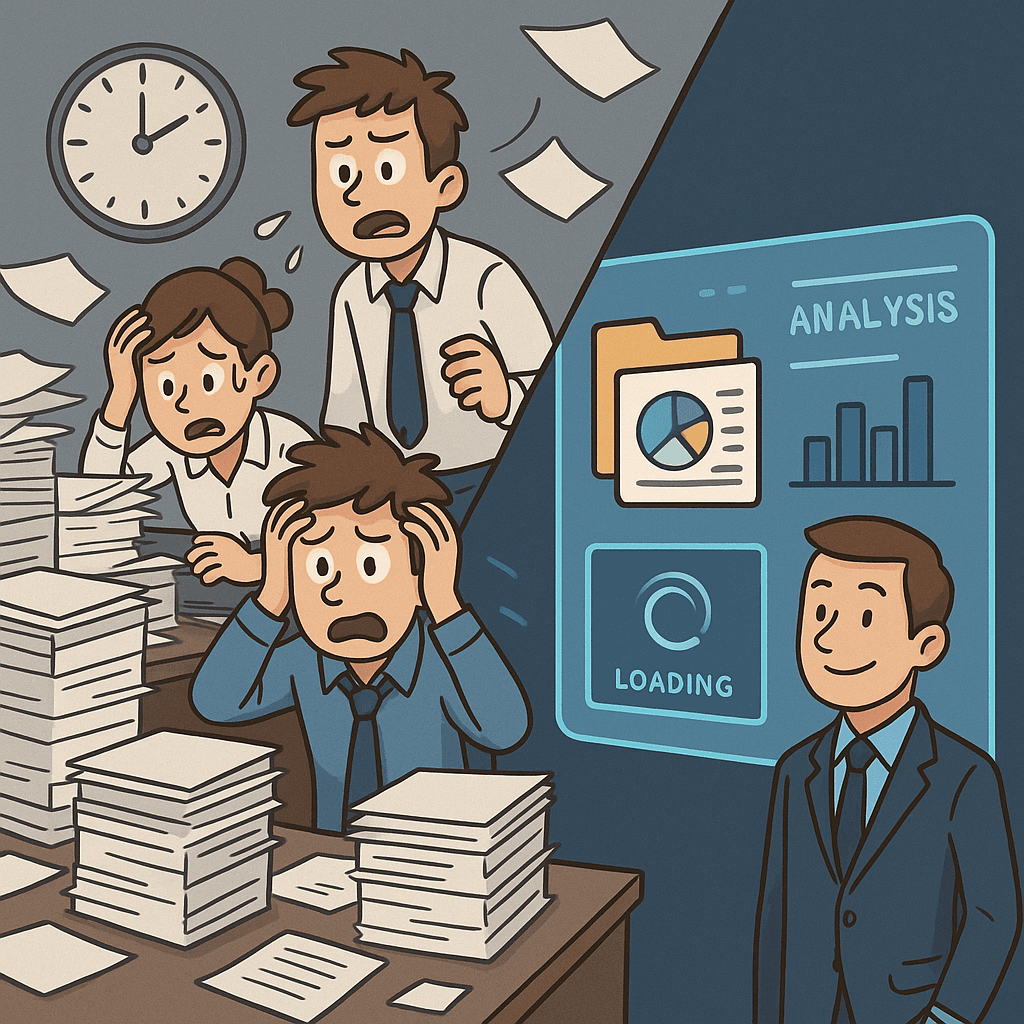
Logging is not observability
Most teams shipping LLMs have logging. They capture inputs and outputs somewhere — a database, a file, a third-party tool. They can look up what happened on any given request.
But logging answers "what did the model say?" It doesn't answer the questions that actually matter in production:
- Is quality getting better or worse over time?
- Which failure types are most common right now?
- Did last Tuesday's prompt change improve anything?
- Which outputs need human review?
- How much is this costing per request, per day, per model?
BEval Studio's dashboard answers these questions directly, without requiring you to write queries or build your own analytics.
Unified log ingestion
Everything starts with a single API call. Your inference pipeline sends a log entry to BEval Studio with whatever fields are relevant:
{
  "name": "invoice-extraction",
  "kind": "vlm",
  "input": "Patient: John Doe, DOB: 1985-03-12...",
  "output": "{ \"patient_name\": \"John Doe\", ... }",
  "extracted_json": { ... },
  "model_id": "claude-sonnet-4-6",
  "latency_ms": 843,
  "tokens_in": 1200,
  "tokens_out": 340,
  "cost_usd": 0.0024
}
The schema is flexible. Core identity and I/O fields are required; everything else is optional. The same table handles a simple chat completion, a VLM document extraction, an agent trace, an embedding call, or an OCR pipeline. You don't configure different log types — you send what you have, and BEval structures it.
Every log entry gets deterministic evaluation immediately on ingest. Selected entries get queued for LLM judge evaluation asynchronously. By the time you open the dashboard, the scores are already there.
The home dashboard
The home page is a timeframe-driven analytics view. Pick a window — today, 7 days, 30 days, 90 days — and everything updates.
Row 1: The numbers that matter
Four stat cards across the top: Total Logs, Average Latency, Success Rate, Pending Reviews. These are the vital signs. If success rate drops or pending reviews pile up, you know immediately.
Row 2: Evaluation scores
Three more cards: Average Deterministic Score, Average Judge Score, Rubric Pass Rate (for your default rubric). These tell you the quality story at a glance. If det score is high but judge score is trending down, you have a semantic problem that structural checks aren't catching. If rubric pass rate is falling on a specific rubric, you know which criteria are degrading.
Row 3: Trends over time
A line chart showing det_score, judge_score, and latency over time. This is where you see regressions. A prompt change on Monday shows up as a score shift on Tuesday. A new document type added to your corpus shows up as a latency spike. Trends are the single most valuable view in the dashboard — they turn "something feels off" into "quality dropped 4% starting March 12th."
Row 4: Rubric breakdown
One bar per rubric criterion, showing average score across the timeframe. If your rubric has five criteria and four are green but "medication list completeness" is red, you know exactly where to focus.
Row 5: Judge dimensions
Horizontal bars for hallucination, completeness, and semantic accuracy (or whatever dimensions your judge configuration evaluates). These tell you the kind of quality problem you're dealing with, not just whether there is one.
Row 6: Failure analysis
A table of failure types ranked by count and percentage of total. Missing required fields, type mismatches, range violations, empty arrays — the deterministic check failures, broken down so you can prioritize fixes.
The log list
The log list is where you go when the dashboard tells you something is wrong and you need to understand why.
Filter by kind (LLM, VLM, agent, embedding), status (success, failure), score range, review status (unreviewed, reviewed, flagged), and date range. Logs are sorted by lowest score first by default — the worst outputs surface to the top.
Each row shows the external ID, a kind badge, det score, judge score, latency, review status, and timestamp. Click into any log for the full detail: input text, output text, extracted JSON (editable for correction), thinking trace, judge scores with reasoning, deterministic check results, and a review notes panel.
Human review workflow
Not everything can be automated. Some outputs need human eyes — domain experts who can verify whether the model got it right in ways that automated checks can't capture.
BEval Studio tracks review status on every log: unreviewed, reviewed, or flagged. The dashboard shows pending review count as a top-level metric. The log list can be filtered to show only unreviewed or flagged entries.
When a reviewer opens a log, they see the full context: input, output, extracted JSON, thinking trace, and all automated scores. They can:
- Edit the extracted JSON to correct errors (the corrected version is stored separately as
corrected_json) - Add review notes explaining what was wrong or right
- Submit the review, which updates the review status and records who reviewed it and when
Over time, this builds a corpus of human-validated corrections that can inform prompt improvements, fine-tuning datasets, or rubric adjustments.
What you're actually monitoring
The dashboard isn't a log viewer with charts bolted on. It's structured around the questions production LLM teams actually ask:
| Question | Where to look |
|---|---|
| Is quality improving or degrading? | Trend lines (Row 3) |
| What kind of failures are most common? | Failure table (Row 6) |
| Which quality dimension is weakest? | Judge dimensions (Row 5) |
| Which rubric criteria are failing? | Rubric breakdown (Row 4) |
| How many outputs need human review? | Pending Reviews card (Row 1) |
| What did the model do on this specific request? | Log detail page |
| Did last week's prompt change help? | Trend lines filtered to date range |
Every metric is derived from automated evaluation that runs on your actual production traffic. No sampling bias, no benchmark drift, no manual spot-checks. Continuous, structured visibility into how your LLM system is performing.
If you're running an LLM in production and your monitoring is limited to "check the logs when someone complains," book a call. We'll show you what real observability looks like.