A food and beverage wholesaler came to us with a chatbot that worked as long as nobody went off script. Restaurants go off script all day.
We replaced it with a sales agent: 20+ tools, 15+ workflows, and a clear handoff to a person when the agent shouldn't finish the job alone. The wholesaler sells it on to the restaurants that order from them, so it runs under their name, in front of their customers.
The starting point
The original bot was model-only. A prompt, a model, and no real access to the business behind it.
It handled the basics. A product question. A simple order, phrased the way the bot expected.
Anything past that broke it. In wholesale ordering, that covers a lot of the day:
- An item on the order is out of stock.
- A customer wants to change an order they placed yesterday.
- "The usual cheese" matches several products in the catalog.
- Someone asks where their delivery is, or why a payment didn't go through.
- A kitchen manager wants to repeat last month's order and doesn't remember what was in it.
A model with no tools can't answer any of these truthfully. It guesses or it deflects. Either way the wholesaler loses a sale or gains a support call.
What we built
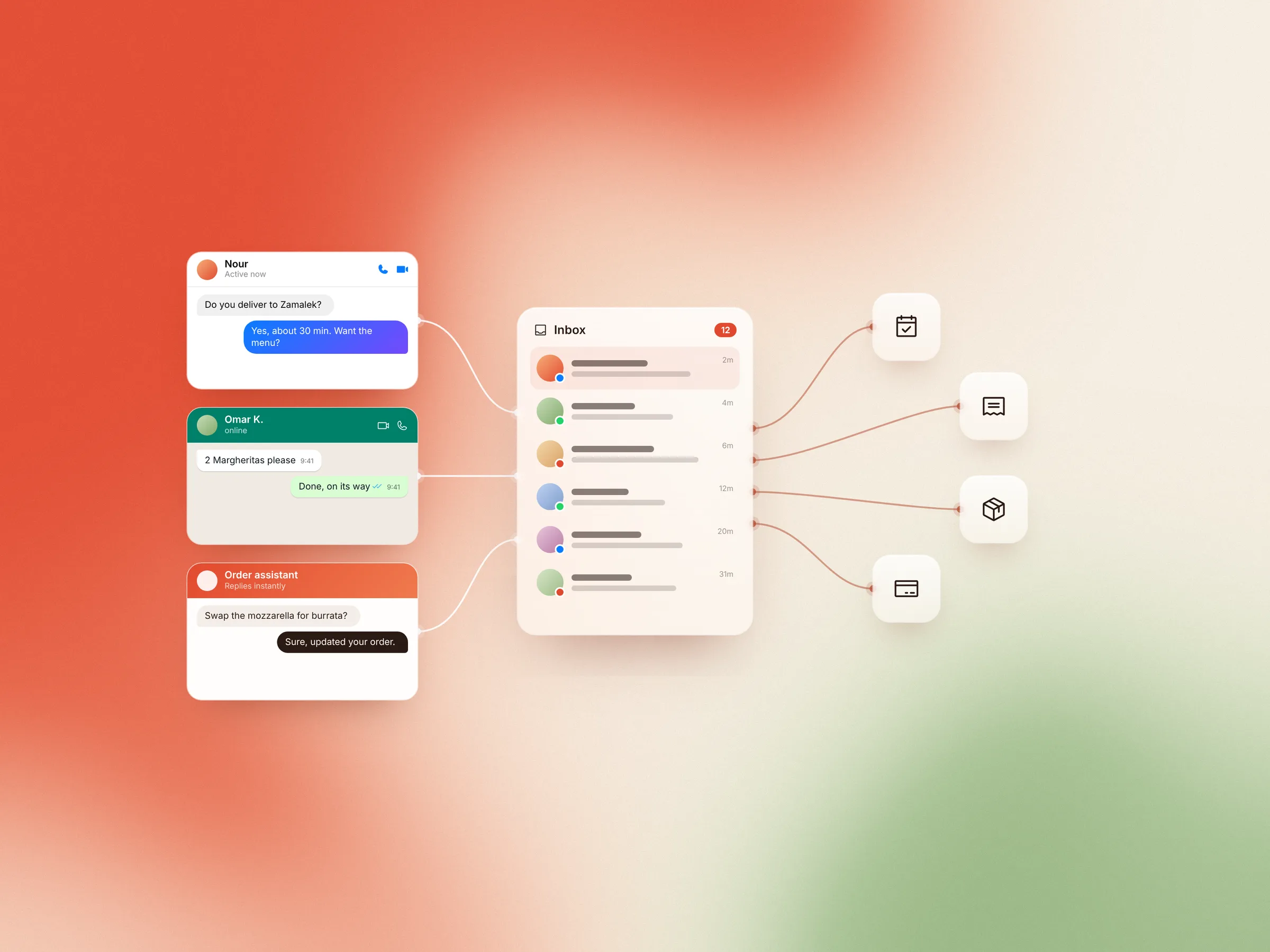
An omni-channel sales agent on the channels their customers already use, backed by a tool-calling harness and a data layer shaped around what restaurants actually ask.
The harness
We built a custom agent loop instead of patching the old chatbot. The model calls a tool, reads the result, and decides the next step, until the job is done or it hits a step limit.
The loop is where the control lives: which tools are visible in which context, how many steps a turn can take, when the agent has to stop and ask. It's the same harness pattern that later became Bolder Agent.
The tools
The agent has 20+ tools. Each one does a single narrow thing against the wholesaler's systems:
- read the current cart
- fetch a customer's previous orders
- check stock and availability
- search the catalog by name, category or past purchases
- add, remove or change items on an order
- get order and delivery status
- suggest products that go with what's in the cart
- escalate to a human
Narrow tools are easier for a model to pick and easier for us to test. A tool that does five things gets called wrong in five ways.
The data layer
The agent asks about order history and cart state on almost every turn. That makes it a database workload, so we treated it like one.
We indexed the lookups the agent makes most and reshaped queries around what each tool returns, not whatever the original schema happened to expose. Results are trimmed to what the model needs: recent orders with line items, not a customer's whole history pasted into context. Smaller payloads come back faster and give the model less to misread.
Scenarios and workflows
We mapped out 15+ scenarios the agent handles end to end. Reordering last week's order. Building a new order from scratch. Changing an open order. Checking on a delivery. Answering a stock question and offering a substitute.
Each workflow defines which tools it touches, what it must confirm before acting, and what counts as done. The model still runs the conversation. The workflow stops it from improvising where money and orders are involved.
Upsells live inside these workflows, not bolted on top. When a restaurant reorders, the agent suggests what usually goes with it, based on that restaurant's own history. A grounded recommendation reads as service. A random one reads as spam.
Failsafes and escalation
Some conversations shouldn't be finished by an agent. A billing dispute. An upset customer. A request outside every workflow. A tool that keeps failing.
The agent recognizes these and hands off to a human with context: who the customer is, what they asked, what it already tried, and the state of their cart or order. Whoever picks it up starts where the agent stopped.
Two smaller rules do a lot of work:
- Before any change to an order, the agent confirms with the customer. Nothing gets modified on a guess.
- If a tool errors or comes back empty, the agent says so. It doesn't fill the gap with something plausible.
Before and after
| Before | After | |
|---|---|---|
| Architecture | One model-only chatbot | Tool-calling agent on a custom harness |
| Access to business data | None | 20+ tools over carts, orders, catalog and stock |
| Coverage | Basic, happy-path requests | 15+ scenarios and workflows |
| Cart status and order history | Out of reach | Looked up live when the conversation needs it |
| Selling | Answered questions | Upsells and recommends from the customer's own history |
| Unhappy paths | Guessed or failed | Handled in a workflow, or escalated |
| Human handoff | No structured path | Escalation with conversation and order context |
The result: far fewer failures off the happy path, and many more workflows covered. Restaurants get real answers about their own orders.
What made it work
Start from the unhappy paths. The happy path was never the problem. We listed what goes wrong in a wholesale order, then built workflows backward from that list.
Treat the data layer as part of the agent. An agent is only as good as what its tools hand back.
Make escalation a feature, not an admission. An agent that knows when to stop is one a wholesaler can put in front of its customers, and resell under its own name.
If you run a chatbot that works until a customer goes off script, book a call. We'll look at where it breaks and what an agent would need to cover it.